View Files Inside Compressed Archives Without Extracting (No Unzipping Needed)
When handling compressed archives in daily work, many people run into these frustrating situations:
- A colleague sends a massive archive that is several gigabytes—or even tens of gigabytes—in size, but your laptop drive is almost full, throwing a “Disk Space Full” error when extracting.
- You’re on a freshly reinstalled computer or borrowing someone else’s machine without Microsoft Office or WPS installed, yet there are urgent Word contracts and Excel spreadsheets inside a ZIP you need to verify right now.
- An archive contains hundreds of files, but you only need one small config file or single image. Unpacking everything is time-consuming and clutters your local drive.
This free web tool—**Online ZIP & Archive Extractor**—was designed specifically to tackle these headaches. You can open and inspect the contents of any archive directly inside your web browser without installing extraction software.
Core Problems It Solves
1. No Disk Space Needed: A Lifesaver for Small Storage Laptops & Entry-Level Macs
Entry-level MacBooks (such as MacBook Neo models or machines with 128GB/256GB SSDs) and lightweight ultrabooks frequently suffer from limited storage. Extracting a massive archive normally requires free space equivalent to once or twice the compressed archive’s size just for unpacking.
This tool extracts and decompresses files entirely in client-side browser memory, without unpacking files onto your local hard drive. Even if your disk has only a few hundred megabytes left, you can comfortably open multi-gigabyte archives and browse their directory trees and contents.
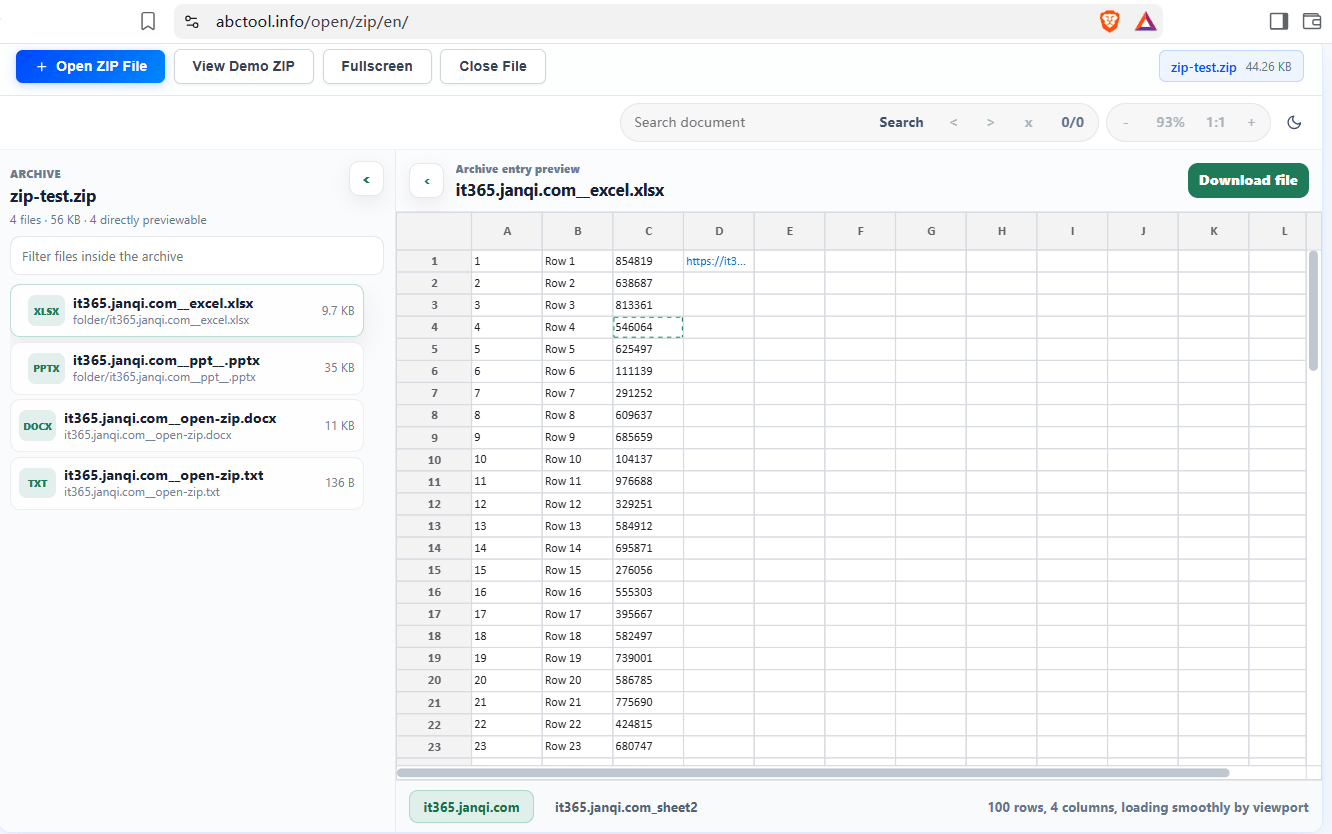
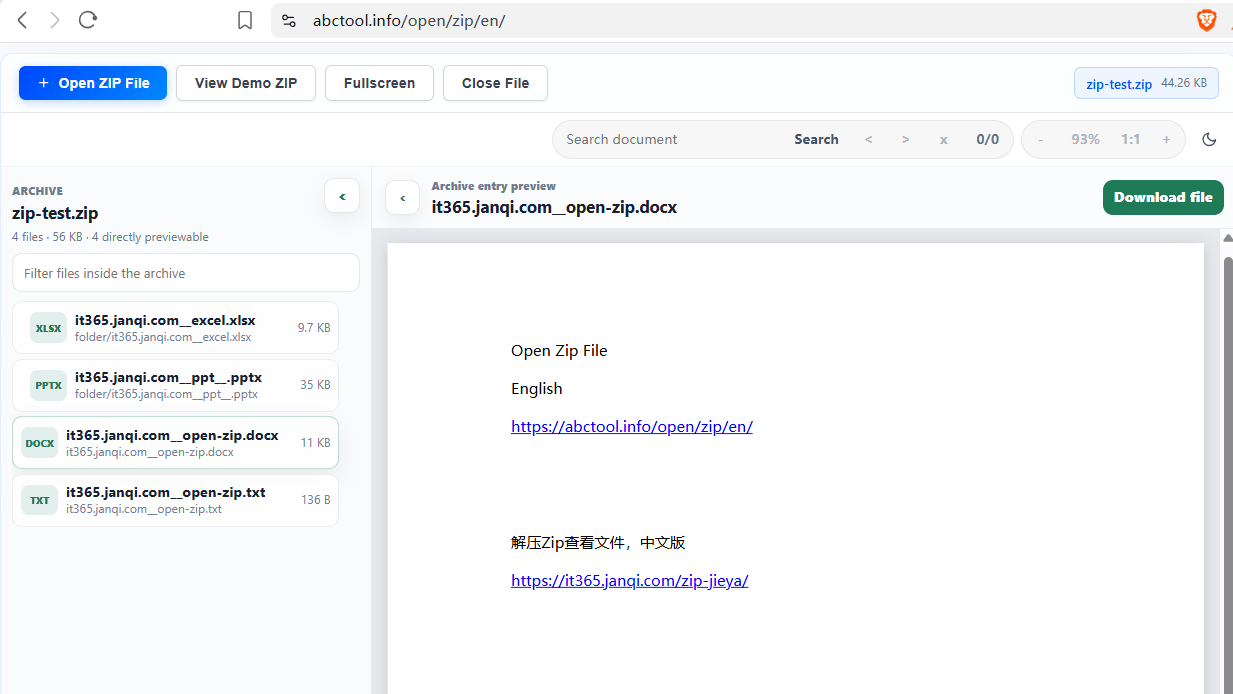
2. Preview Office Documents Instantly Without Microsoft Office or WPS
Once an archive is opened, diverse document formats can be viewed directly without relying on local software:
- Word documents (
.docx,.doc) - Excel spreadsheets (
.xlsx,.xls,.csv, with multi-sheet tab switching) - PowerPoint presentations (
.pptx,.ppt) - PDFs, popular image formats, audio/video media, and code scripts
Even on a clean machine without any office suite installed, or on a mobile browser on your phone, click any file to preview it with high fidelity:
3. Extract On Demand: Preview First, Download Only What You Need
When dealing with archives packed with hundreds or thousands of files, there’s no reason to unpack the whole bundle just to locate one item.
In the file list, you can preview files one by one to ensure it’s the exact file you want, then click to download that specific file individually to your local drive. Pick what you need, leave the rest alone, and save disk space.
If the archive contains nested archives (archives inside archives / Russian doll ZIPs), you can click directly through into them without having to unpack each layer manually.
Privacy, Security & Universal Compatibility
- 100% Client-Side Processing, No Server Uploads: Files are parsed temporarily in your local browser memory. Nothing is uploaded to remote servers, so confidential business contracts and private photos remain strictly secure.
- Universal Cross-Platform Support: Works on Windows, macOS, Linux, iPhone (iOS), and Android devices—any device with a modern browser.
- Broad Format Coverage: Beyond standard
.zip, it supports.7z,.rar,.tar,.gz,.apk,.iso, and dozens of other popular archive formats.
Try It Online
- English Version: https://abctool.info/open/zip/en/
- Chinese Version (it365): https://it365.janqi.com/zip-jieya/