Free Online Tool to Read PDF Aloud with Auto-Scroll & Voice Options
How to Read PDF Aloud Online
- Open the Online PDF Read Aloud Tool.
- Import your PDF document: Drag and drop or browse to load the file.
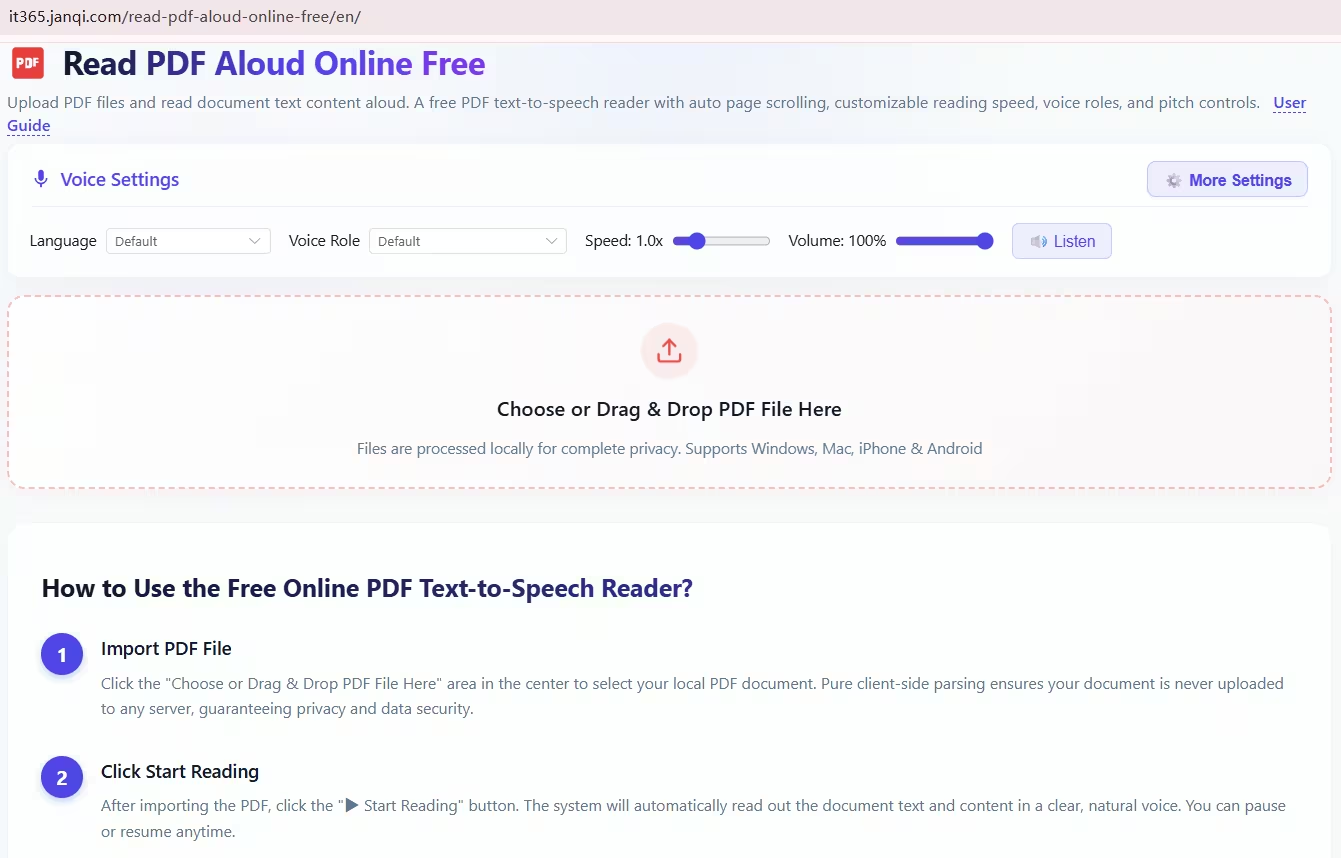
- Select voice preferences: Choose your preferred voice persona (male or female), language locale, pitch, and narration speed.
- Start reading: Click to start audio playback accompanied by automatic synchronized page scrolling.
Interface Screenshot Preview
Core Capabilities & Highlights
- Natural Text-to-Speech Narration: Reads through PDF content sentence-by-sentence with clear vocal articulation.
- Synchronized Auto-Scrolling: Automatically scrolls the document smoothly in real time to match the reading position.
- Customizable Voice Settings: Adjust voice gender, playback speeds, pitch, and international language accents.
- 100% Free & Web-Based: No sign-up, no registration, and zero desktop software installation required.
- Full Device Compatibility: Works seamlessly across desktop (Windows, macOS, Linux) and mobile smartphone browsers (iPhone iOS, Android).
Why Audio Narration Boosts Reading Efficiency
When reviewing long academic papers, industry whitepapers, or contracts, pairing automated scrolling with spoken audio provides a much faster and less fatiguing way to absorb information hands-free.
Compatibility Note: This tool requires standard digital PDFs containing an embedded text layer. For scanned, image-only PDFs without digital text, run an OCR (Optical Character Recognition) tool first to extract the text before launching the audio reader.
Try it online: Free Online PDF Read Aloud Tool
Free Online Tool to Read PDF Aloud with Auto-Scroll & Voice Options
https://365note.abctool.info/p/free-online-tool-to-read-pdf-aloud/